Pick your trio
Decide who dances on the left, in the center and on the right.
Cast your friends in a synchronized horse-riding dance. Three portraits, a place for each dancer, and a beat to bring them together.
Make my versionLoading the creator…
Give each dancer a face: left, center and right. Your trio shares the frame for a coordinated dance, with a fixed soundtrack and a landscape composition that gives everyone room to move.
THREE PHOTOS · LANDSCAPE VIDEO · MUSIC INCLUDED
Cast the trio. Choose one portrait for each dancer. The role labels show their positions as you watch the video. Move together. The familiar horse-riding steps bring all three characters into the same performance. Keep the whole scene. A 16:9 landscape frame makes space for the full group, with music included in the finished video.
Decide who dances on the left, in the center and on the right.
Upload one clear face per slot. Separate portraits work better than a group photo.
Choose Standard or HD, check the credit cost and create your dance. Find the finished video in My creations.
Add one clear portrait for the dancer on the left of the video.
Add one clear portrait for the dancer in the center of the video.
Add one clear portrait for the dancer on the right of the video.
One-time packs. No subscription.
$9.99
10 credits · one-time pack
$24.99
30 credits · one-time pack
$69.99
100 credits · one-time pack
Each video uses the credits shown above. One balance works across templates.
Try a sharper, evenly lit portrait without sunglasses or a heavy filter.
Check each named upload slot before creating. Left and right refer to the positions you see on screen.
Three: one for each dancer. The labels tell you who goes on the left, in the center and on the right.
No. Add your three portraits; this effect already includes its dance sequence and soundtrack.
This effect uses a fixed 16:9 landscape frame to keep all three dancers in view.
The choreography, roles, frame and soundtrack stay the same. Standard is 480p and costs 10 credits; HD is 720p and costs 30 credits.
Once your request is accepted, you can return to My creations to check progress and download your video. Save the finished file within 7 days.
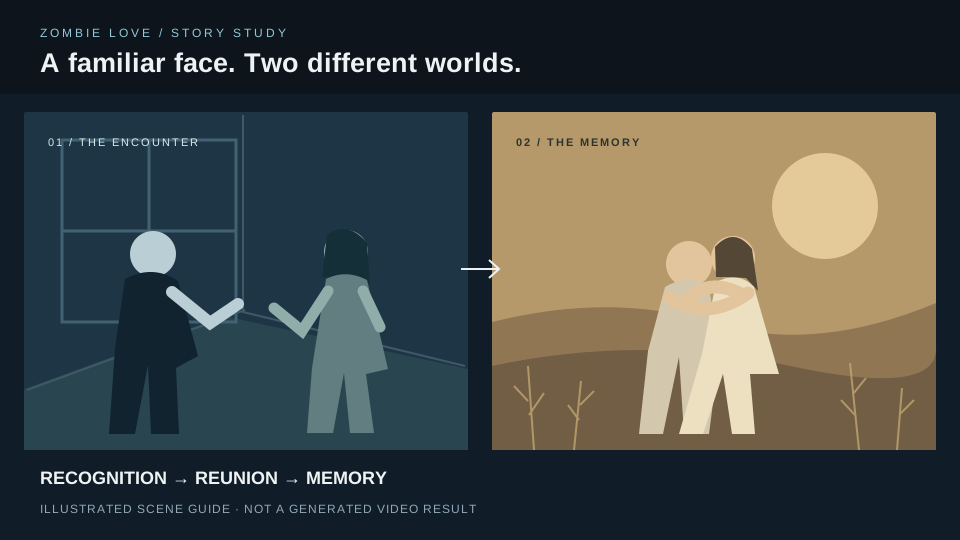
Two faces. A tense reunion. A memory of the people you used to be.